AI generates matter-specific status updates and sends them to clients weekly — no attorney drafting time required
AI.Law analyzes each matter’s recent activity — filed documents, completed tasks, upcoming deadlines, and case developments — and generates a professional, matter-specific status update email for each client. Review in batch, approve, and send. Fifty client updates in 30 minutes instead of 50 emails you never have time to write.
How Automatic Client Updates works on a live matter
Automatic Client Updates is the AI.Law tool civil litigators use for client communication. Writing a meaningful client update email takes 10–15 minutes per matter: review the file, summarize recent activity, describe upcoming steps, and send. For a firm with 50 active matters, that is 8–12 hours per week — time that almost no firm actually spends, which is why clients feel ignored. AI.Law generates all 50 updates in batch. The attorney reviews each one in 30–60 seconds, approves or edits, and sends. Fifty updates in 30 minutes.
On a live matter it runs in 4 steps: (1) Configure your schedule, (2) AI generates updates, (3) Review and approve, (4) Updates go out. Set a firm-wide update cadence (weekly, biweekly, monthly) with the option to override per matter. Choose the day and time updates generate.
Generic client update templates (“We are continuing to work on your case.”) are worse than no update at all — they signal that the attorney has nothing meaningful to report. AI.Law generates updates from actual case activity: “This week we received the defendant’s responses to our interrogatories and are reviewing them for completeness. Your deposition is scheduled for March 15. We will contact you next week to schedule a preparation session.” The update is specific because it is generated from the actual matter data, not from a template. Updates generated from real case activity: filed documents, completed tasks, discovery exchanged, deadlines met, and upcoming events.
Batch generation: AI generates updates for all active matters simultaneously — review the queue, not individual drafts. Scheduled generation: updates generate automatically on your configured cadence — no triggering required.
What you get from Automatic Client Updates
Every Automatic Client Updates run is grounded in your uploaded matter — not a blank chat prompt. Here is what attorneys use on real cases:
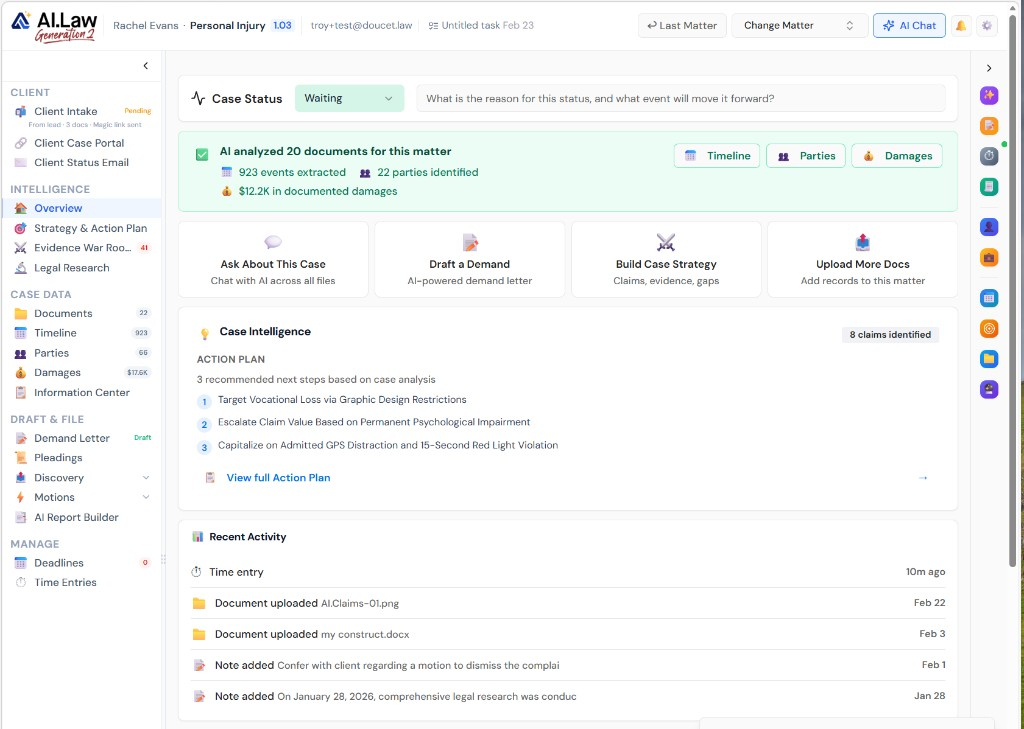
- Updates generated from real case activity: filed documents, completed tasks, discovery exchanged, deadlines met, and upcoming events
- Professional tone calibrated for client communication — substantive but accessible, not legalese
- Client-specific context: AI references the client by name, describes their case specifically, and provides actionable next steps
- Configurable frequency: weekly, biweekly, or monthly — set per matter or firm-wide default
- Batch generation: AI generates updates for all active matters simultaneously — review the queue, not individual drafts
- Quick review: each update displayed with the matter context so the attorney can verify accuracy in seconds
- Scheduled generation: updates generate automatically on your configured cadence — no triggering required
- Review queue: all pending updates in one view, sortable by matter, attorney, or urgency
How It Works
Get started in minutes. No training required.
1. Configure your schedule
Set a firm-wide update cadence (weekly, biweekly, monthly) with the option to override per matter. Choose the day and time updates generate.
2. AI generates updates
On schedule, AI analyzes each matter’s recent activity and generates a professional, matter-specific status update email for each client.
3. Review and approve
Open the update queue. Review each generated update in seconds — verify accuracy, edit if needed, and approve for sending.
4. Updates go out
Approved updates send from your firm’s email address with your branding. Clients receive a professional, substantive update without the attorney drafting a single word.
More Detail
Matter-specific updates generated from actual case activity — not generic templates
Generic client update templates (“We are continuing to work on your case.”) are worse than no update at all — they signal that the attorney has nothing meaningful to report. AI.Law generates updates from actual case activity: “This week we received the defendant’s responses to our interrogatories and are reviewing them for completeness. Your deposition is scheduled for March 15. We will contact you next week to schedule a preparation session.” The update is specific because it is generated from the actual matter data, not from a template.
- Updates generated from real case activity: filed documents, completed tasks, discovery exchanged, deadlines met, and upcoming events
- Professional tone calibrated for client communication — substantive but accessible, not legalese
- Client-specific context: AI references the client by name, describes their case specifically, and provides actionable next steps
- Configurable frequency: weekly, biweekly, or monthly — set per matter or firm-wide default
Faster
Fifty client updates reviewed and sent in 30 minutes — not the 8 hours of drafting they would otherwise require
Writing a meaningful client update email takes 10–15 minutes per matter: review the file, summarize recent activity, describe upcoming steps, and send. For a firm with 50 active matters, that is 8–12 hours per week — time that almost no firm actually spends, which is why clients feel ignored. AI.Law generates all 50 updates in batch. The attorney reviews each one in 30–60 seconds, approves or edits, and sends. Fifty updates in 30 minutes.
- Batch generation: AI generates updates for all active matters simultaneously — review the queue, not individual drafts
- Quick review: each update displayed with the matter context so the attorney can verify accuracy in seconds
- One-click approval: approve and send individual updates or batch-approve the entire queue
- Edit inline: modify any update before sending without switching to email or another tool
Easier
Configure once — updates generate and queue automatically on your schedule
Set a firm-wide update cadence (weekly on Fridays, biweekly on Mondays) or configure per matter. AI.Law generates the updates on schedule and queues them for attorney review. The attorney opens the queue, reviews and approves, and updates go out. No calendar reminder to “write client updates.” No guilt about the 30 clients who have not heard from you in a month.
- Scheduled generation: updates generate automatically on your configured cadence — no triggering required
- Review queue: all pending updates in one view, sortable by matter, attorney, or urgency
- Matter-level override: skip updates for matters in settlement negotiation or set a different cadence for high-touch clients
- Client preferences: some clients prefer text summaries, some prefer detailed updates — configure per client
More Money
Proactive communication drives retention, referrals, and reviews — the three Rs of firm growth
The #1 client complaint about attorneys is lack of communication. Not losing. Not cost. Silence. A client who hears from their attorney every week feels their case is being actively managed, even during periods of legitimate inactivity (waiting on opposing counsel, waiting on the court). That client stays with your firm, refers friends, and leaves positive reviews. The client who hears nothing for two months fires you and writes a bar complaint. Automatic updates ensure every client hears from you every week — without consuming the attorney time that makes weekly updates impractical for most firms.
- Client retention: proactive updates prevent the “I never hear from my lawyer” complaint that drives clients away
- More referrals: clients who feel well-served refer their friends and family — the lowest cost-per-acquisition channel
- Better reviews: clients who are regularly updated leave more positive reviews, which drive new client acquisition
- Reduced bar complaints: communication-related complaints are the most common — regular updates eliminate the root cause
Stop choosing between client communication and billable work
See what changes when AI handles the work instead.
| Area | The Old Way | With AI.Law |
|---|---|---|
| Update content | Generic “we are working on your case” emails that say nothing | Matter-specific updates generated from actual case activity — substantive and informative |
| Time per update | 10–15 minutes per matter to review the file and draft an email | 30–60 seconds to review and approve an AI-generated update |
| Consistency | Some clients get updates, others are forgotten for months | Every client gets an update on schedule — no one falls through the cracks |
| Volume | 50 active matters = 50 emails you do not have time to write | Batch-generated and batch-reviewed — 50 updates in 30 minutes |
| Client satisfaction | Clients call to ask what is happening because they never hear from you | Proactive updates keep clients informed — fewer status-inquiry calls |
Related tools for Automatic Client Updates
Same matter file, same uploads — keep working in this litigation workflow cluster.
- Draft one-off client emails between automated updates — Client Update Emails
- Mirror update content in the client portal — Client Portal
- Turn attorney activity into billable narrative for updates — Notes & Time Entry
Browse all Client Communication tools on the features hub, or see all features.
Free practice management. Pay only for AI you use.
Run your firm on Free Forever at $0 — CRM, calendar, billing, and document management for everyone. Add paid AI seats only for the people who need them, all on one plan for your firm: Core, Litigator, or Advanced.
- 11 tools free forever — no credit card required
- One plan for your firm — every paid seat on the same plan
- Cancel any paid seat anytime — no lock-in
- Annual billing: 12 months for the price of 11 on paid seats
- Free Forever practice management stays at $0
SOC 2 Type II Certified · Patented Technology · No AI Training on Your Data · You Own Your Data
Explore More
AI suggests UTBMS task and activity codes and polishes billing narratives from raw time entries — compliance-ready billing without the tedium
Enter raw time notes (“call w client re depo prep”) and AI.Law suggests the correct UTBMS task code (L510 — Depositions), activity code (A106 — Communicate with Client), and polishes the narrative into professional billing language (“Telephone conference with client regarding deposition preparation and testimony review”). Billable time captured accurately, coded correctly, and described professionally — without looking up codes or rewriting notes.
Get started with Automatic Client Updates
Open a free practice management account, or build an AI plan when you’re ready.
No credit card required.
Need a firm or enterprise plan? Talk to our team