Court-compliant document formatting — captions, line numbering, margins, and jurisdiction-specific rules applied automatically
AI.Law formats your drafted documents to meet court filing requirements: proper caption blocks, line numbering where required, correct margins and font sizes, certificate of service, and jurisdiction-specific formatting rules. Documents export ready to file — not ready to spend another hour formatting in Word.
How Page Formatting works on a live matter
Page Formatting is the AI.Law tool civil litigators use for pleading, motion, and contract drafting. Every attorney has spent 30–45 minutes fighting with Word to get margins right, line numbers aligned, and captions formatted correctly for a specific court. AI.Law applies all formatting automatically when you export a document. Write the substance — the system handles the formatting. One click from draft to filing-ready document.
On a live matter it runs in 4 steps: (1) Draft your document, (2) Select the court, (3) Preview and adjust, (4) Export and file. Use any of AI.Law’s drafting tools (complaints, motions, discovery, lawsuits) or write directly in the editor. Focus on the substance.
Every court has formatting requirements: line numbering (California), specific margin widths, font size minimums, caption block formats, page limits, and certificate of service requirements. Getting these wrong delays filing, results in rejected documents, and makes your firm look unprofessional. AI.Law’s page formatting engine applies jurisdiction-specific formatting rules automatically so every document exports in a format the clerk will accept. Jurisdiction-specific formatting rules: line numbering for California state courts, margin requirements per local rules, font size compliance per court order.
One-click export with jurisdiction-appropriate formatting applied automatically. Court-specific formatting profiles maintained and updated by the platform — no manual rule research. Each output cites the source pages in your matter so you can verify it before you file.
What you get from Page Formatting
Every Page Formatting run is grounded in your uploaded matter — not a blank chat prompt. Here is what attorneys use on real cases:
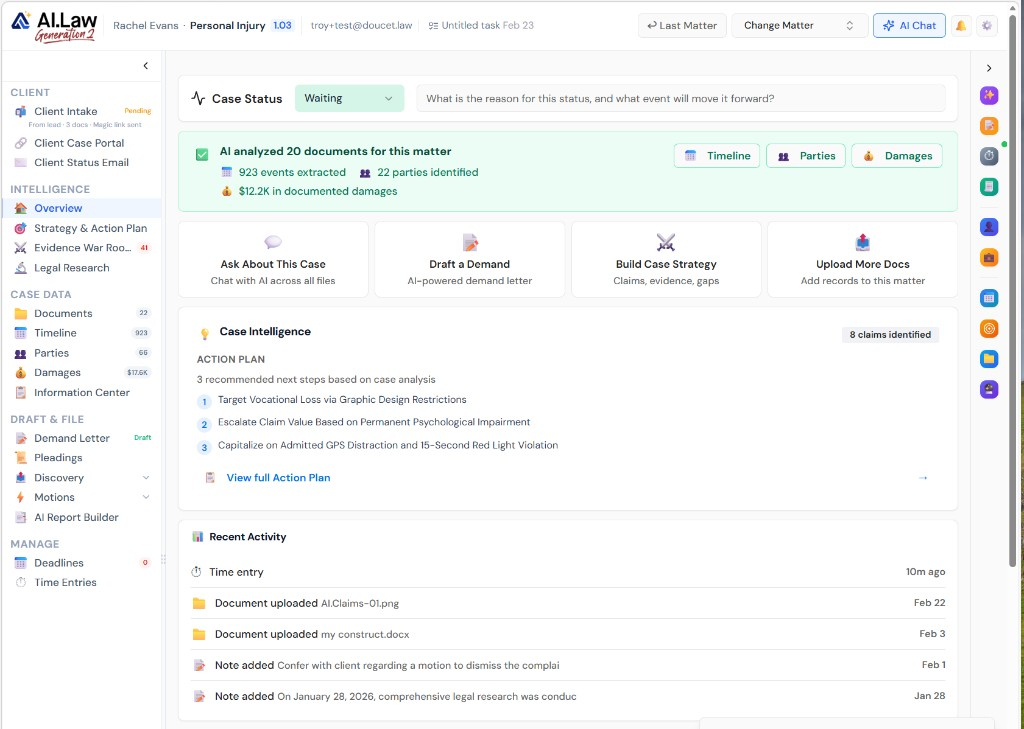
- Jurisdiction-specific formatting rules: line numbering for California state courts, margin requirements per local rules, font size compliance per court order
- Caption block generation: parties, case number, court name, and document title formatted per the court’s specific requirements
- Certificate of service: automatically generated with proper service method, recipient list, and attorney signature block
- Page numbering, headers, and footers: formatted per court rules with case number, document title, and page count
- One-click export with jurisdiction-appropriate formatting applied automatically
- No manual line numbering setup, margin adjustment, or caption block formatting
- Court-specific formatting profiles maintained and updated by the platform — no manual rule research
- Matter-level court association: set the court once and every document in the matter formats correctly
How It Works
Get started in minutes. No training required.
1. Draft your document
Use any of AI.Law’s drafting tools (complaints, motions, discovery, lawsuits) or write directly in the editor. Focus on the substance.
2. Select the court
Choose the court from the matter’s associated jurisdiction, or select a different court. Formatting rules load automatically.
3. Preview and adjust
Preview the formatted document with captions, line numbering, margins, and certificate of service applied. Make any final adjustments.
4. Export and file
Download the filing-ready document as DOCX or PDF. Print, sign, and file — no additional formatting required.
More Detail
Filing-ready formatting that knows your jurisdiction’s rules
Every court has formatting requirements: line numbering (California), specific margin widths, font size minimums, caption block formats, page limits, and certificate of service requirements. Getting these wrong delays filing, results in rejected documents, and makes your firm look unprofessional. AI.Law’s page formatting engine applies jurisdiction-specific formatting rules automatically so every document exports in a format the clerk will accept.
- Jurisdiction-specific formatting rules: line numbering for California state courts, margin requirements per local rules, font size compliance per court order
- Caption block generation: parties, case number, court name, and document title formatted per the court’s specific requirements
- Certificate of service: automatically generated with proper service method, recipient list, and attorney signature block
- Page numbering, headers, and footers: formatted per court rules with case number, document title, and page count
Faster
From draft to filing-ready in one click — not 45 minutes of Word formatting
Every attorney has spent 30–45 minutes fighting with Word to get margins right, line numbers aligned, and captions formatted correctly for a specific court. AI.Law applies all formatting automatically when you export a document. Write the substance — the system handles the formatting. One click from draft to filing-ready document.
- One-click export with jurisdiction-appropriate formatting applied automatically
- No manual line numbering setup, margin adjustment, or caption block formatting
- Consistent formatting across every document from every attorney at the firm
- Reformat for a different court: change the jurisdiction and re-export with updated formatting rules
Easier
Select the court — formatting rules apply automatically
Choose the court from a dropdown (or let AI.Law use the court already associated with the matter) and formatting rules apply automatically. No looking up local rules. No remembering whether this court requires line numbering. No checking page limits. The system knows the rules and applies them.
- Court-specific formatting profiles maintained and updated by the platform — no manual rule research
- Matter-level court association: set the court once and every document in the matter formats correctly
- Preview before export: see exactly how the document will look with formatting applied before you download
- Supports DOCX and PDF export formats for filing and service
More Money
Documents that look professional on first filing — no rejections, no resubmissions
A rejected filing costs time (reformatting and resubmitting), money (missed deadlines may require emergency filings), and credibility (the judge’s first impression of your firm is a document that did not meet formatting requirements). Consistent, court-compliant formatting on every document from every attorney ensures that your firm’s work product always looks professional and is always accepted on first submission.
- Zero rejected filings due to formatting — every document meets the court’s specific requirements
- Professional appearance builds credibility with the court from the first filed document
- Time savings: 30–45 minutes per document reclaimed for substantive work
- Consistency: every attorney’s documents look the same — professional, branded, and court-compliant
Stop spending 45 minutes formatting every document in Word
See what changes when AI handles the work instead.
| Area | The Old Way | With AI.Law |
|---|---|---|
| Caption blocks | Manually formatted in Word — different every time, different from every attorney | Auto-generated per the court’s specific format with all required elements |
| Line numbering | Wrestling with Word’s line numbering feature that never aligns correctly | Applied automatically when the jurisdiction requires it — perfectly aligned every time |
| Margins and fonts | Looking up local rules, then manually adjusting Word settings | Jurisdiction-specific profiles applied with one click — margins, fonts, and spacing correct |
| Time per document | 30–45 minutes of formatting after the substance is written | One click — formatting applied in seconds |
| Consistency | Every attorney formats differently — no firm-wide standard | Every document from every attorney formatted identically per court requirements |
Related tools for Page Formatting
Same matter file, same uploads — keep working in this litigation workflow cluster.
- Store formatted templates at the firm level — Document Templates
- Export complaints with line numbers and captions applied — Lawsuit Drafting
- Format motion papers for your local rules automatically — Motion Drafting
Browse all Drafting tools on the features hub, or see all features.
Free practice management. Pay only for AI you use.
Run your firm on Free Forever at $0 — CRM, calendar, billing, and document management for everyone. Add paid AI seats only for the people who need them, all on one plan for your firm: Core, Litigator, or Advanced.
- 11 tools free forever — no credit card required
- One plan for your firm — every paid seat on the same plan
- Cancel any paid seat anytime — no lock-in
- Annual billing: 12 months for the price of 11 on paid seats
- Free Forever practice management stays at $0
SOC 2 Type II Certified · Patented Technology · No AI Training on Your Data · You Own Your Data
Explore More
Firm-level document templates that AI populates with matter-specific data — institutional best practices in one click
Create templates for any document your firm produces repeatedly — engagement letters, standard motions, discovery requests, settlement correspondence frameworks, and form pleadings — and AI.Law populates them with matter-specific data automatically. Your firm’s best work becomes the starting point for every new document, not the institutional knowledge that walks out the door when an attorney leaves.
Get started with Page Formatting
Open a free practice management account, or build an AI plan when you’re ready.
No credit card required.
Need a firm or enterprise plan? Talk to our team